Study Timer
A 50-minute study block is long enough for deep work and short enough to stay sharp. Start the timer, study until it rings, then take a 10-minute break. Change the minutes to fit your own study rhythm.
The alarm sounds only while this page stays open. Keep the tab visible for anything important. Why
How it works
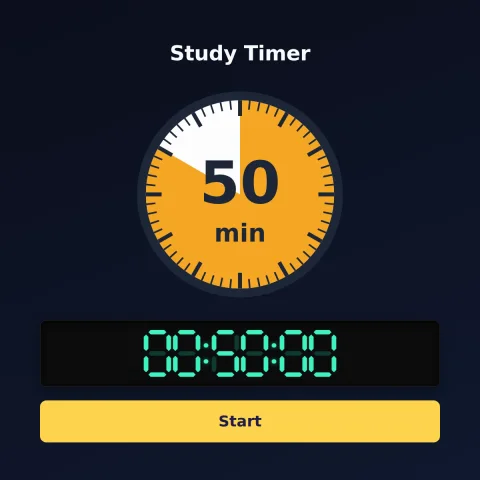
Type hours, minutes and seconds — or tap a preset — and press Start. The timer keeps counting while you use another tab, and the tab title shows the time remaining. When it reaches zero it sounds an alarm, as long as the page is still open and your browser allows audio. Browser power-saving and background-tab restrictions may delay updates or prevent the alarm, so keep the page visible for anything important — see browser timing limitations for why. Pause and resume anytime, or Reset to start over. Space starts/pauses. On a computer, Pop out puts the countdown into a small window that floats above your other apps, so you can watch it while you work in something else (Chrome and Edge).
Counting down to a date or event instead? Make a countdown. Need to time how long something takes? Use the online stopwatch with lap times.
Teaching? The classroom timer and stopwatch guide covers full screen on a projector, the keyboard shortcuts, running three timers at once and getting lap times out as a spreadsheet or an image.